RZ Games
Review

Keychron K2 HE Wireless Magnetic Keyboard Review 2026

By LanderPilot Editorial Team6 min read
8.8

Keychron K2 HE Wireless Magnetic Keyboard: product facts and buying notes

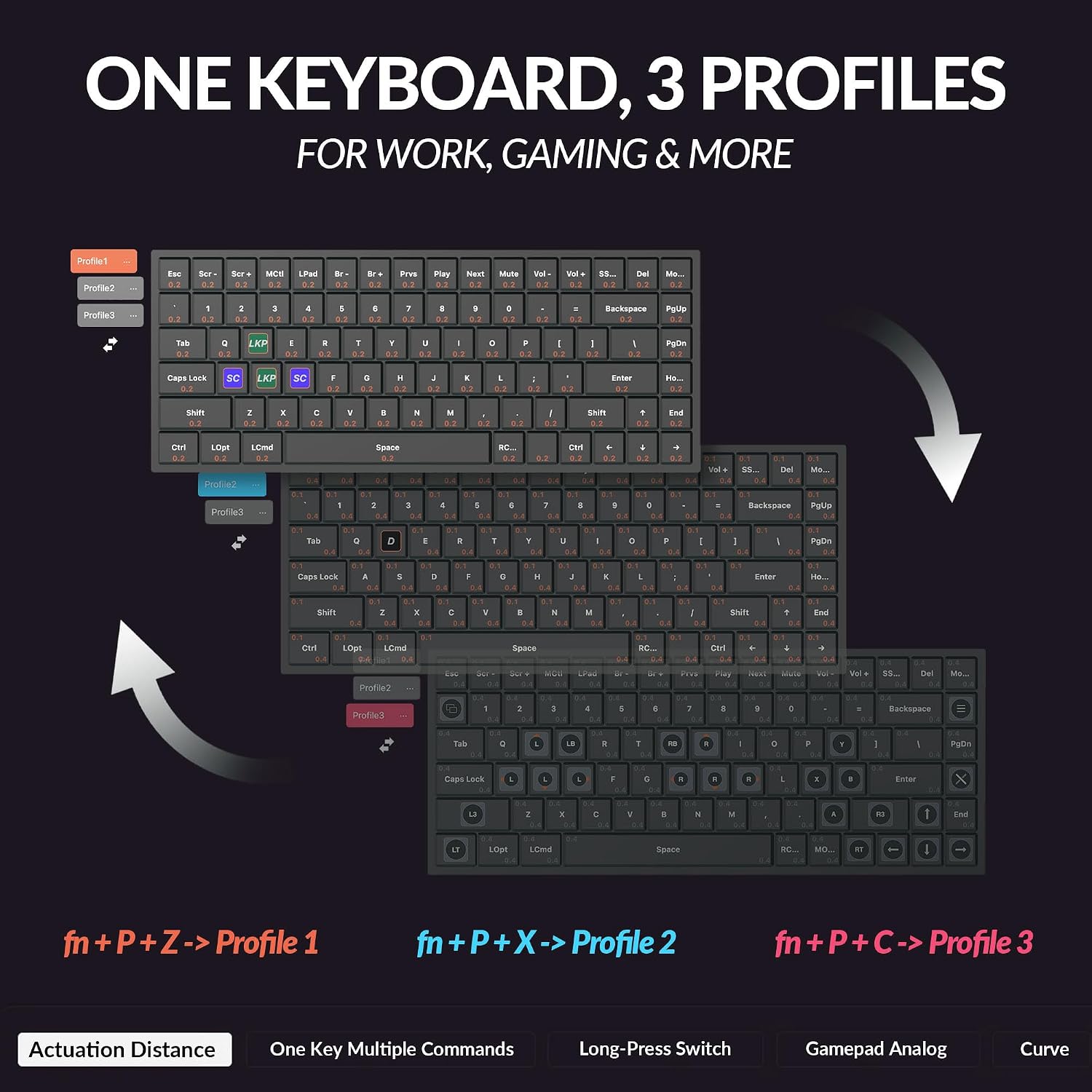
This page organizes the supplied keyboards information: A 75% wireless mechanical keyboard with magnetic Hall Effect switches, rapid trigger, and QMK customization....

Product photos

Closer look

Keychron K2 He Wireless Magnetic Keyboard

What We Like

  • Magnetic Hall Effect switches
  • Rapid trigger
  • Tri-mode wireless
  • QMK customizable

What We Don't

  • Higher price
  • 75% layout takes adjustment

Quick Specs

Layout
75%
Switches
Magnetic Hall Effect
Connectivity
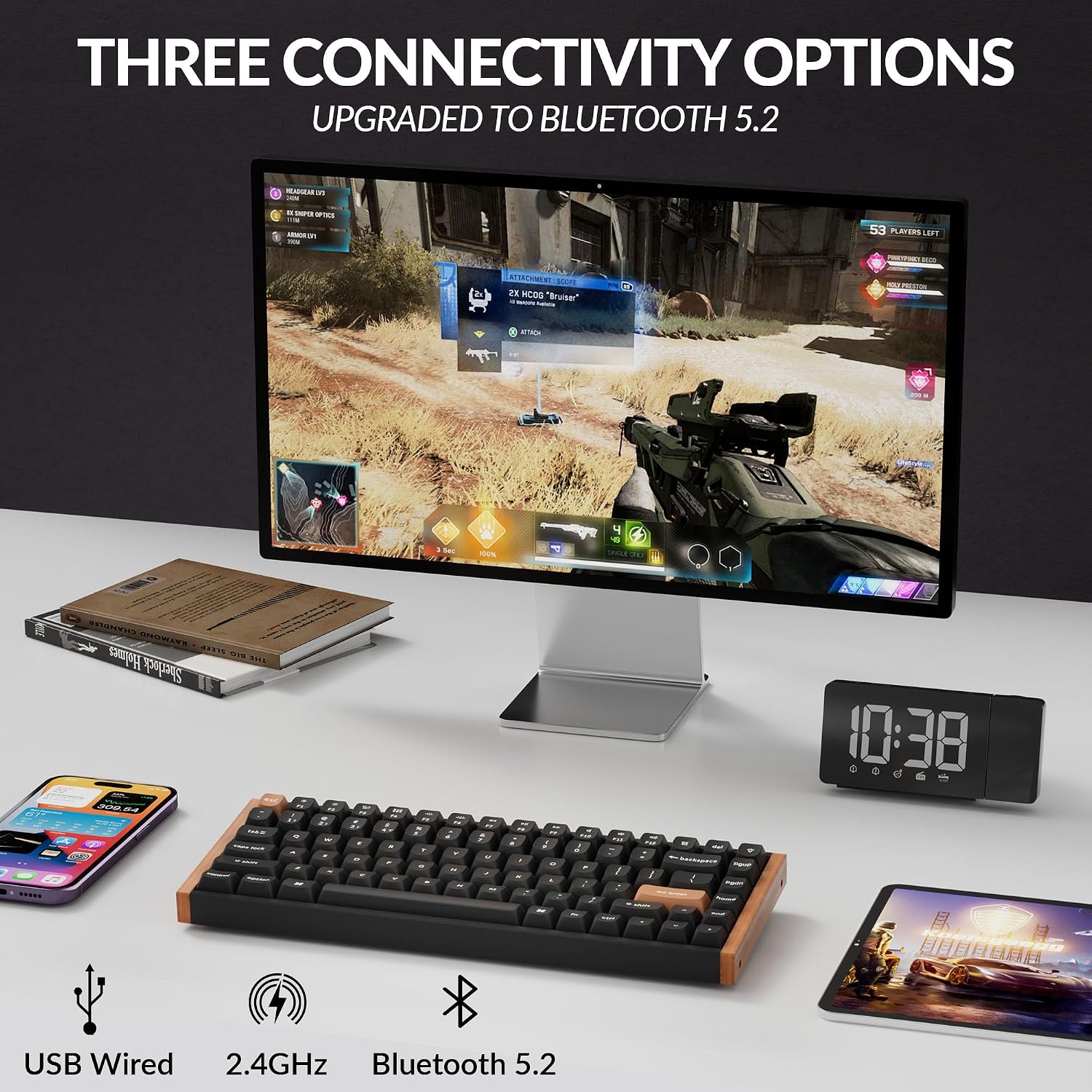
2.4GHz / Bluetooth / USB-C
Keycaps
PBT
Deep dive

Is it right for you?

Our honest take, based on the published specs and the real-world trade-offs.

๐ŸŽฏ

What it is

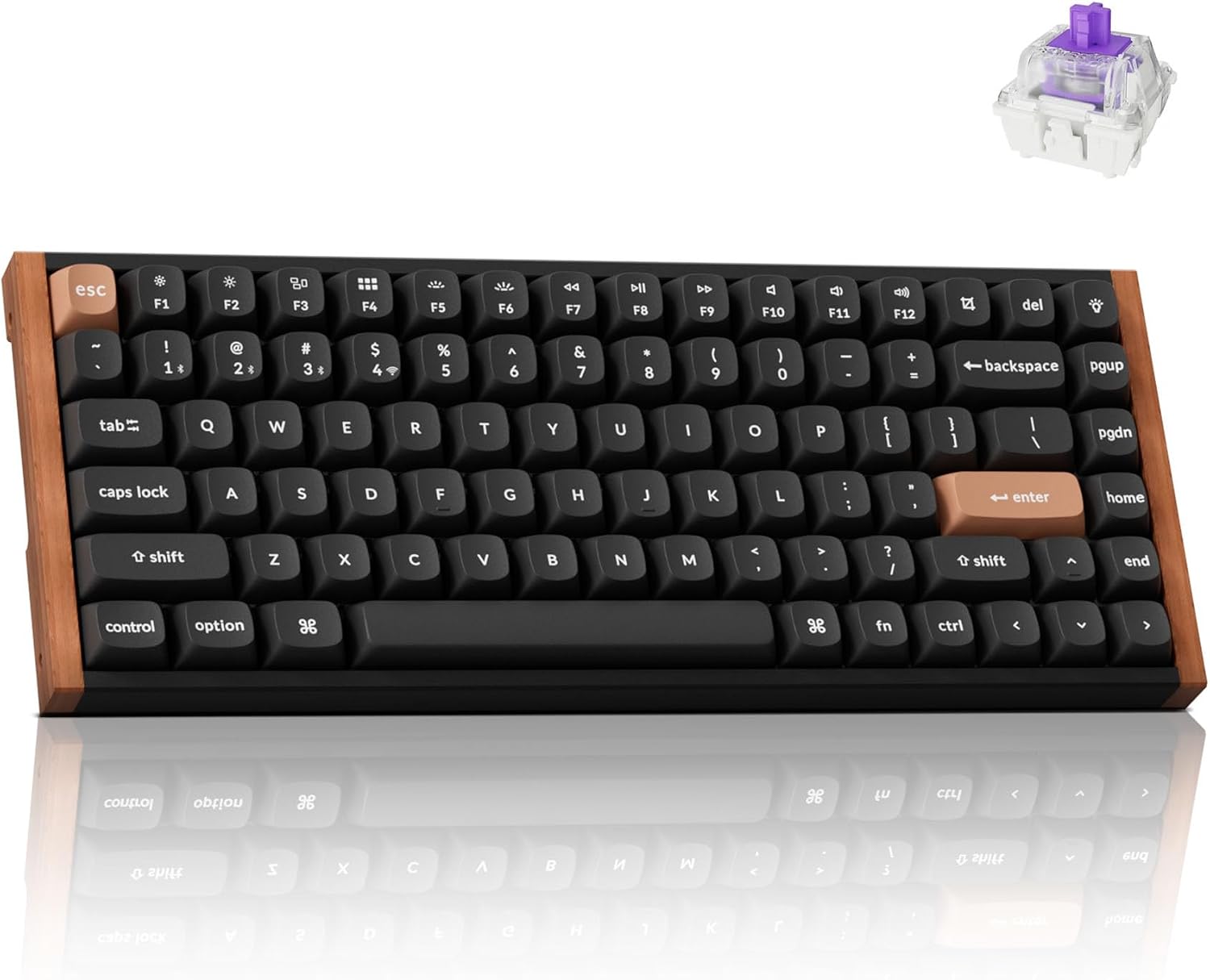
The Keychron K2 HE is a 75% wireless mechanical keyboard that swaps traditional mechanical switches for magnetic Hall Effect ones, adding rapid trigger and adjustable actuation. It connects three ways โ€” 2.4GHz, Bluetooth, and USB-C โ€” and runs QMK firmware for deep customization. At $149.99 it sits in enthusiast territory, aimed at people who want a compact board with modern magnetic-switch tech and cross-platform Mac/Windows support.
โš™๏ธ

Specs that matter

Magnetic Hall Effect switches are the headline: they sense key travel magnetically, so there is no physical contact to wear, and you can tune the actuation point in software โ€” including rapid trigger for fast repeated presses. The 75% layout keeps arrows and a nav row without a numpad. QMK (via the Launcher) means full key remapping. Tri-mode connectivity makes it easy to jump between a desktop, laptop, and tablet. PBT keycaps resist shine better than ABS.

๐Ÿ‘ค

Who it's for

This is for keyboard enthusiasts who want magnetic switches and rapid trigger without building a custom board, and for gamers who want per-key adjustable actuation in competitive titles. It also suits Mac and Windows users who want one QMK-programmable board across both. It is overkill for casual typists who just want a basic mechanical keyboard โ€” the extra cost goes into the magnetic-switch tech.

โš ๏ธ

Trade-offs to know

The price is the main hurdle: you pay a premium for magnetic switches, and if you never touch rapid trigger or actuation tuning you are leaving value on the table. The 75% layout still requires getting used to a missing numpad. Magnetic switches feel slightly different from classic mechanical switches, so try before you commit if you can. Bluetooth is fine for typing but use 2.4GHz or wired for competitive gaming.

Related Reviews

AULA F75 Pro Wireless Mechanical Keyboard

AULA F75 Pro Wireless Mechanical Keyboard

Keyboards
8.6

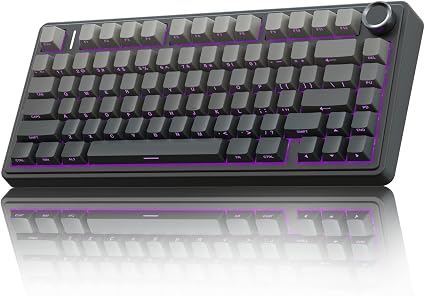
A 75% hot-swappable wireless mechanical keyboard with a media knob, RGB backlight, pre-lubed Reaper switches and...

SteelSeries Apex 3 RGB Gaming Keyboard

SteelSeries Apex 3 RGB Gaming Keyboard

Keyboards
8.2

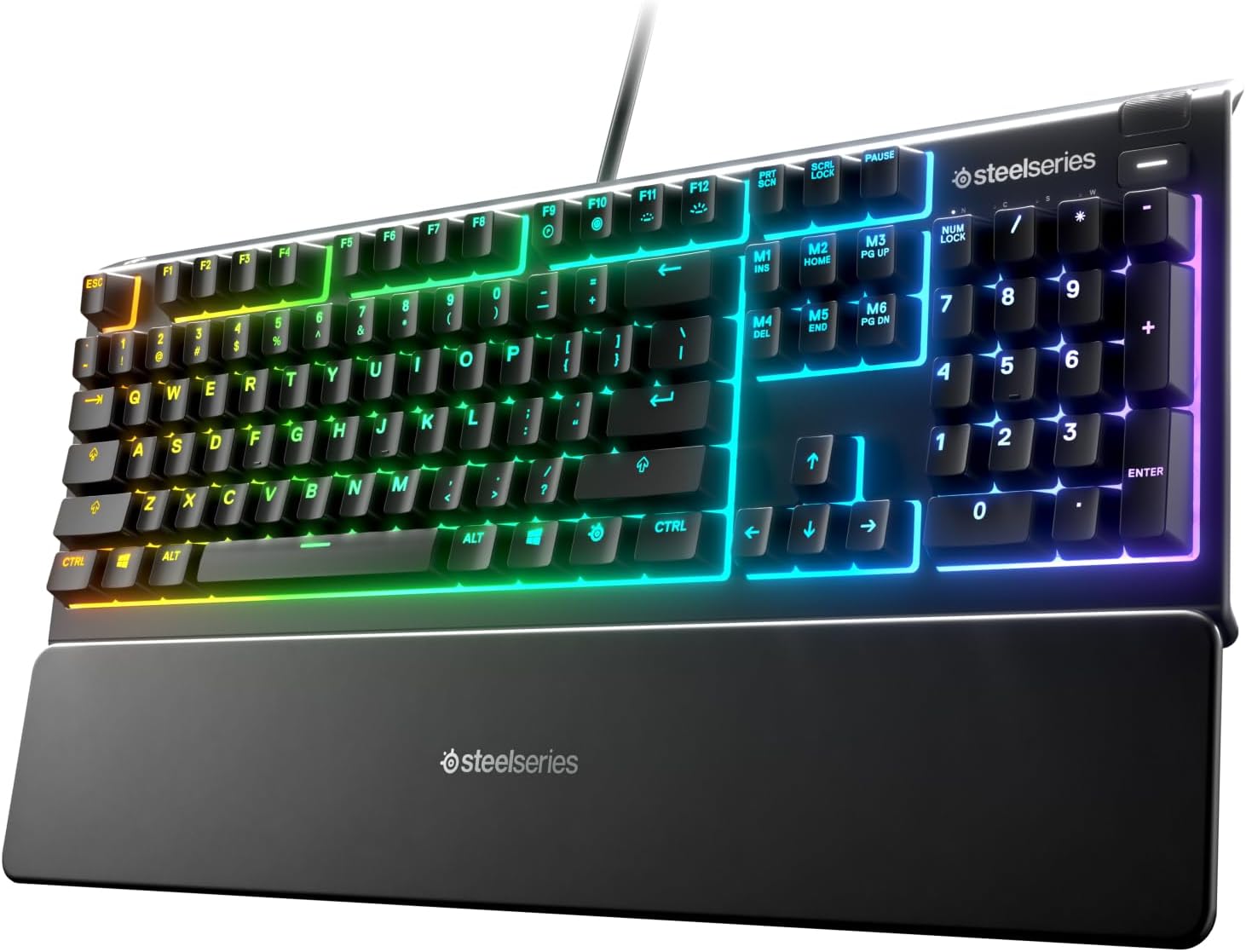
A full-size gaming keyboard with 10-zone RGB illumination, IP32 water resistance, a premium magnetic wrist rest and...

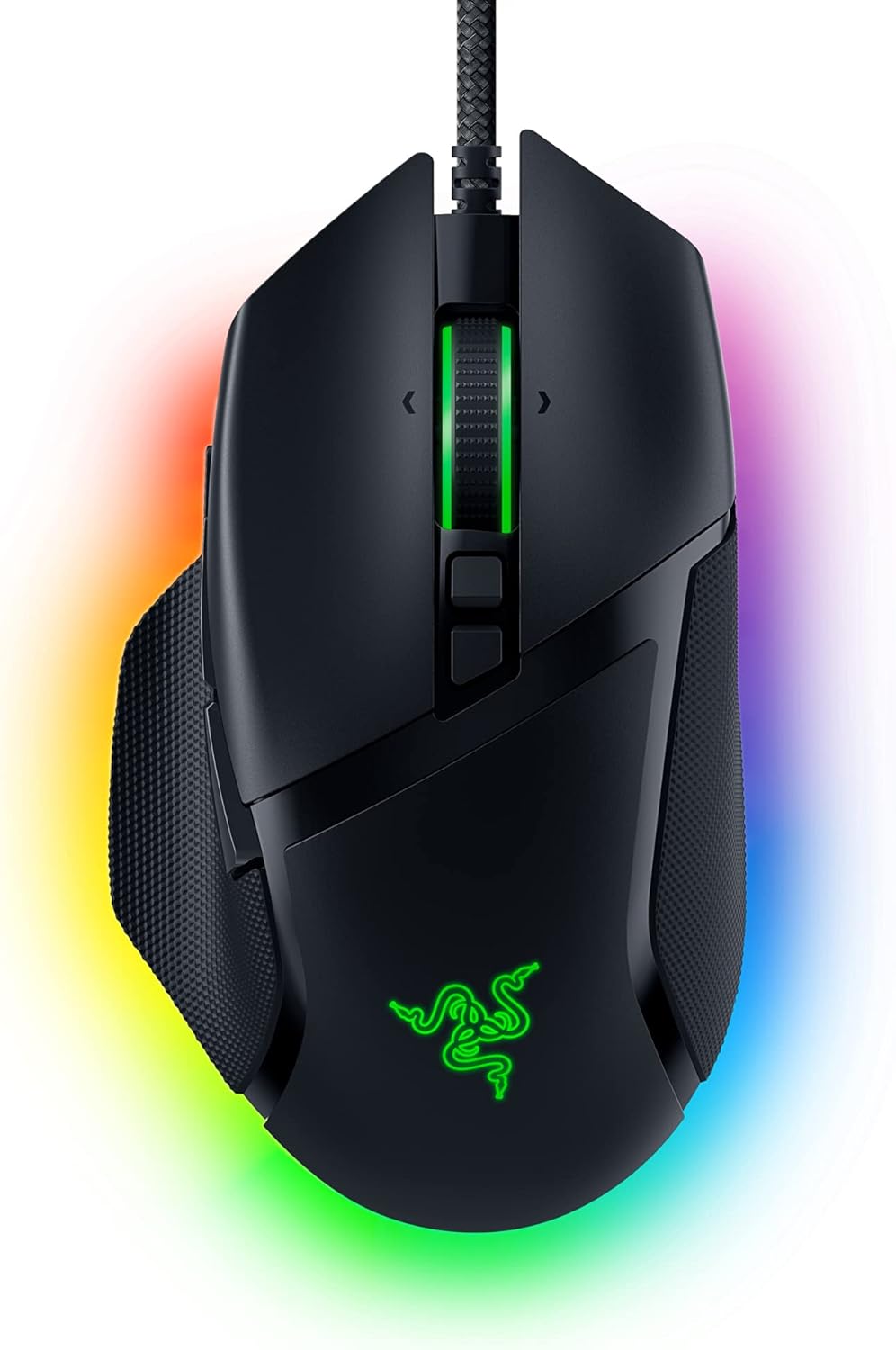
Razer Basilisk V3 Gaming Mouse

Razer Basilisk V3 Gaming Mouse

Mice
8.7

A customizable wired ergonomic gaming mouse with a 26K DPI optical sensor, 11 programmable buttons, Razer Chroma...

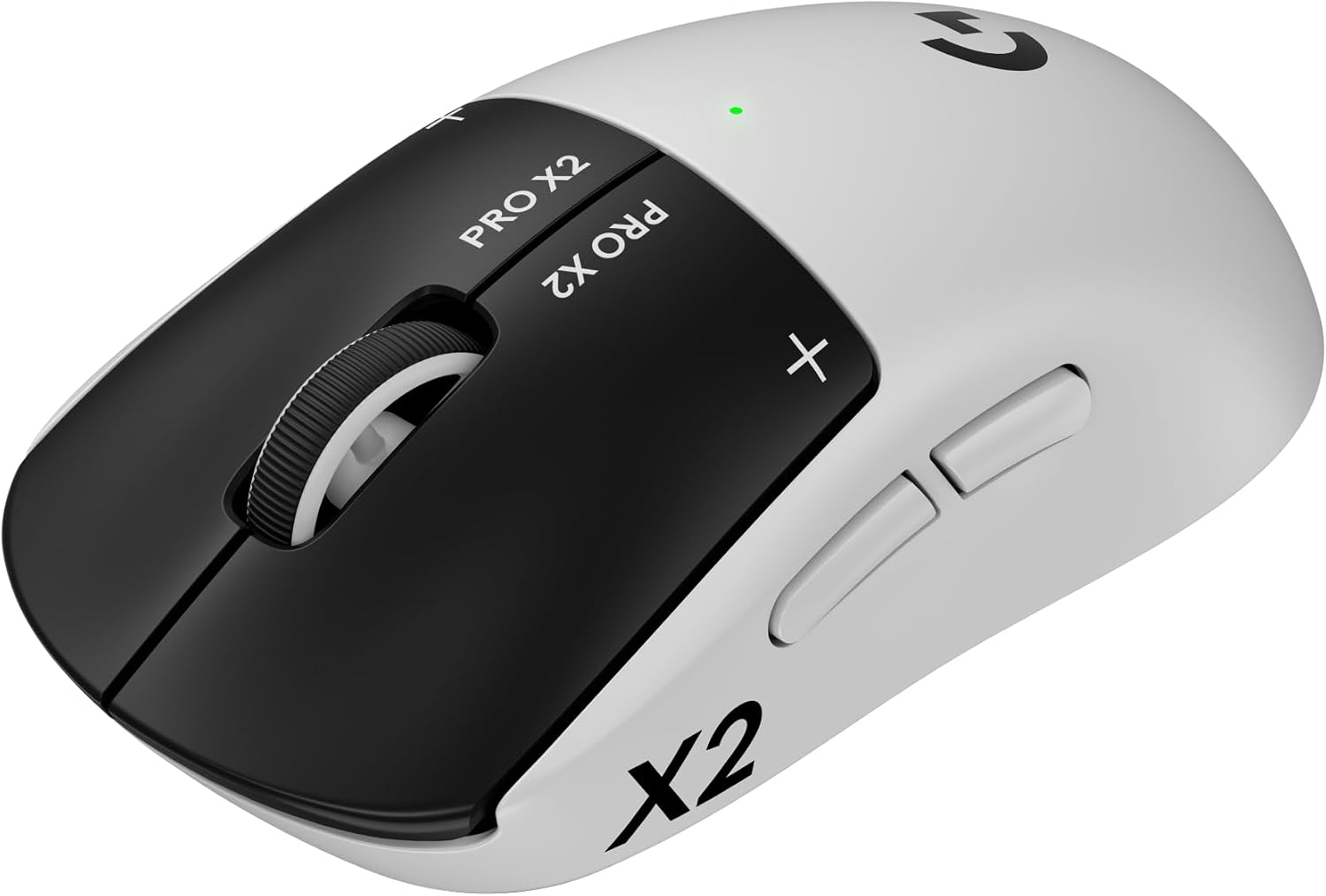
Logitech G PRO X2 SUPERSTRIKE Wireless Mouse

Logitech G PRO X2 SUPERSTRIKE Wireless Mouse

Mice
9.0

A 61g ultra-light wireless esports mouse with customizable rapid-trigger magnetic analog switches, adjustable click...

Ready to try Keychron K2 HE Wireless Magnetic Keyboard?

A 75% wireless mechanical keyboard with magnetic Hall Effect switches, rapid trigger, and QMK customization....